
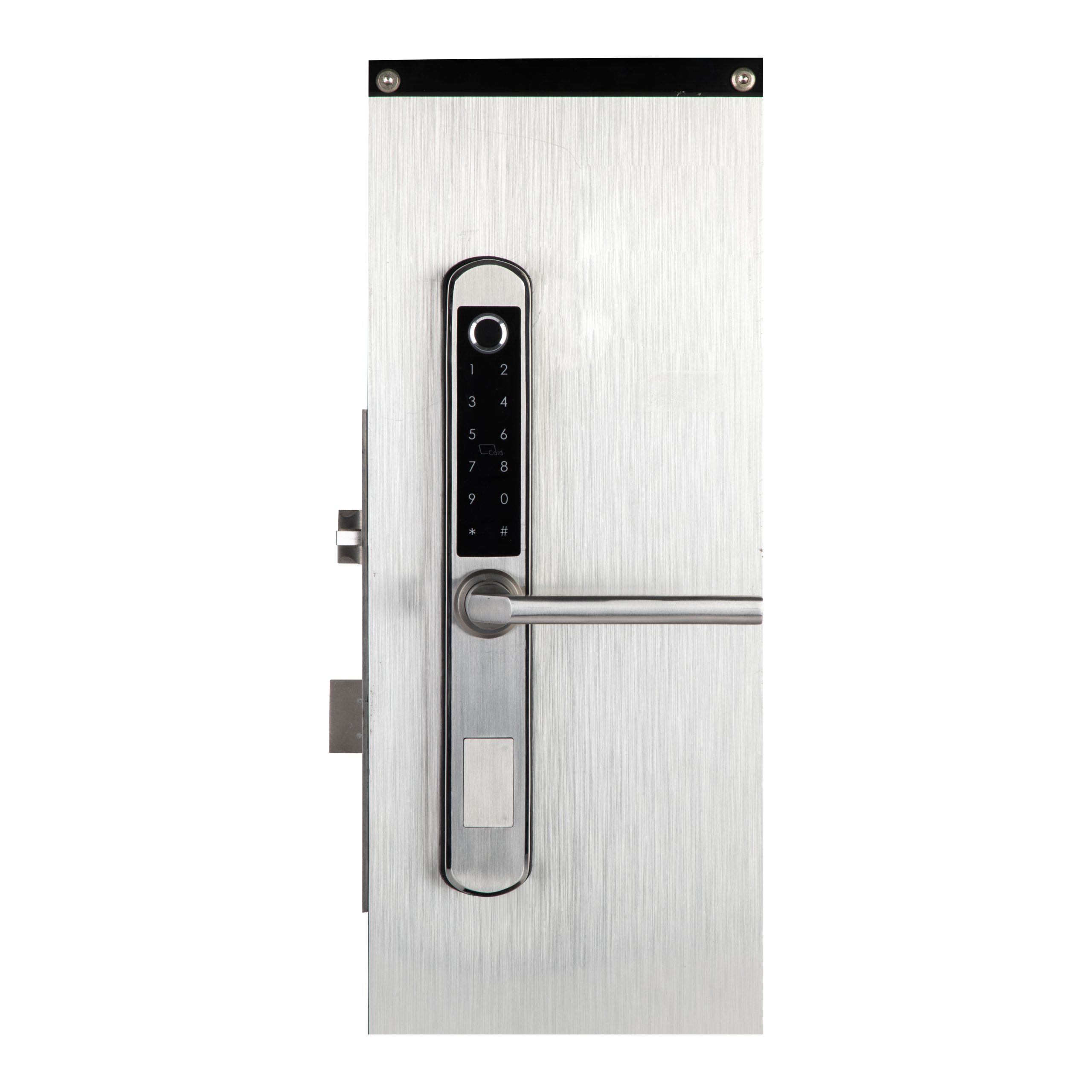
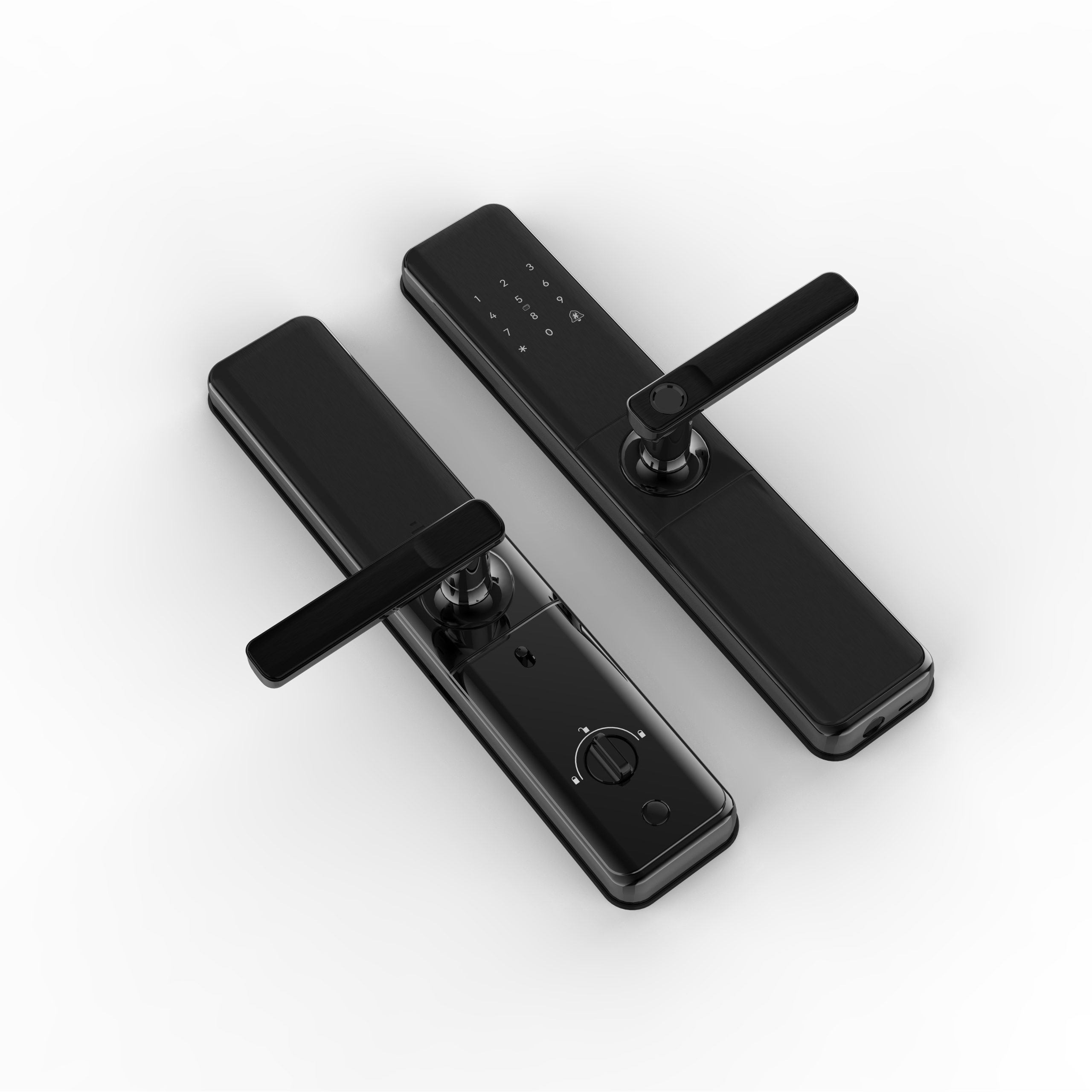
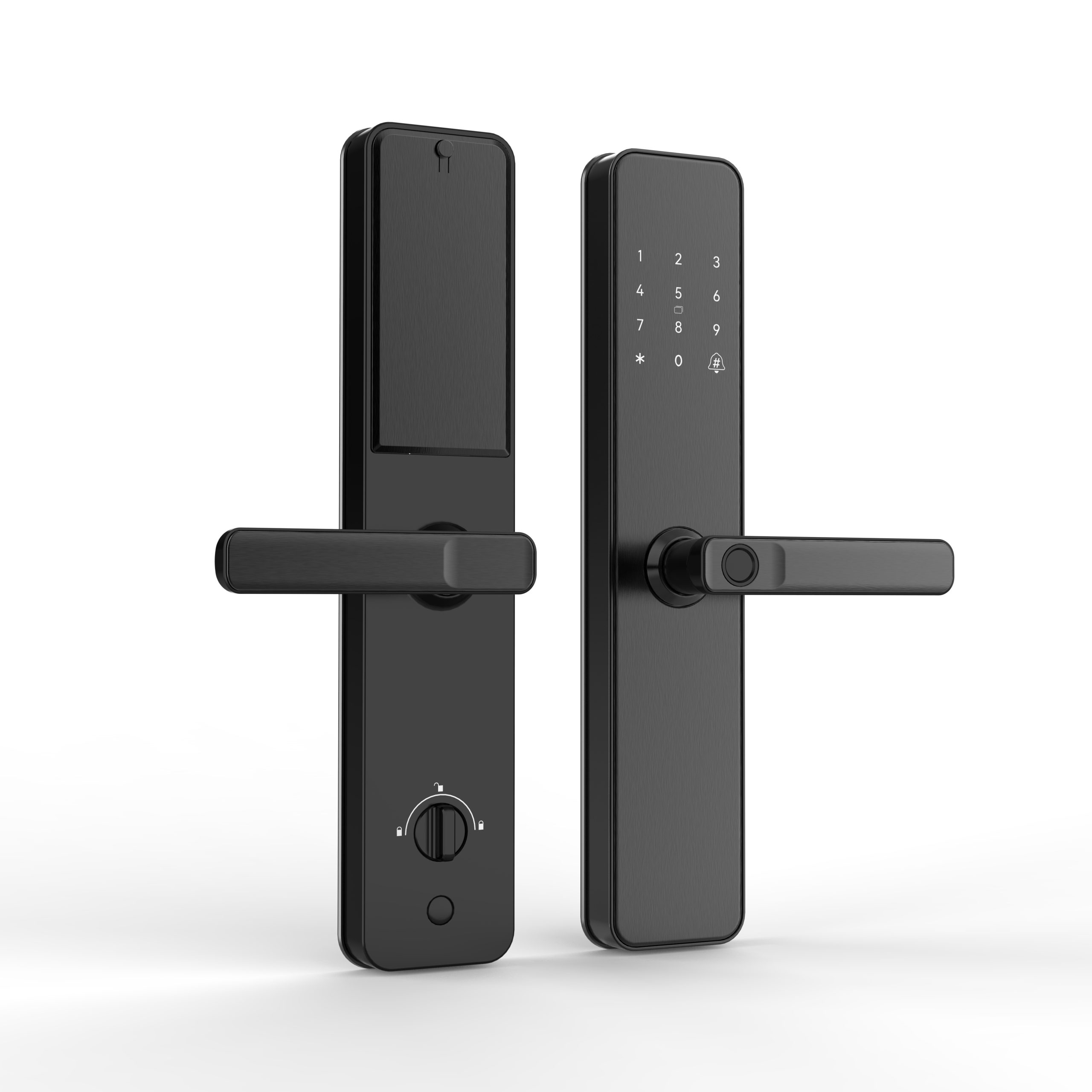
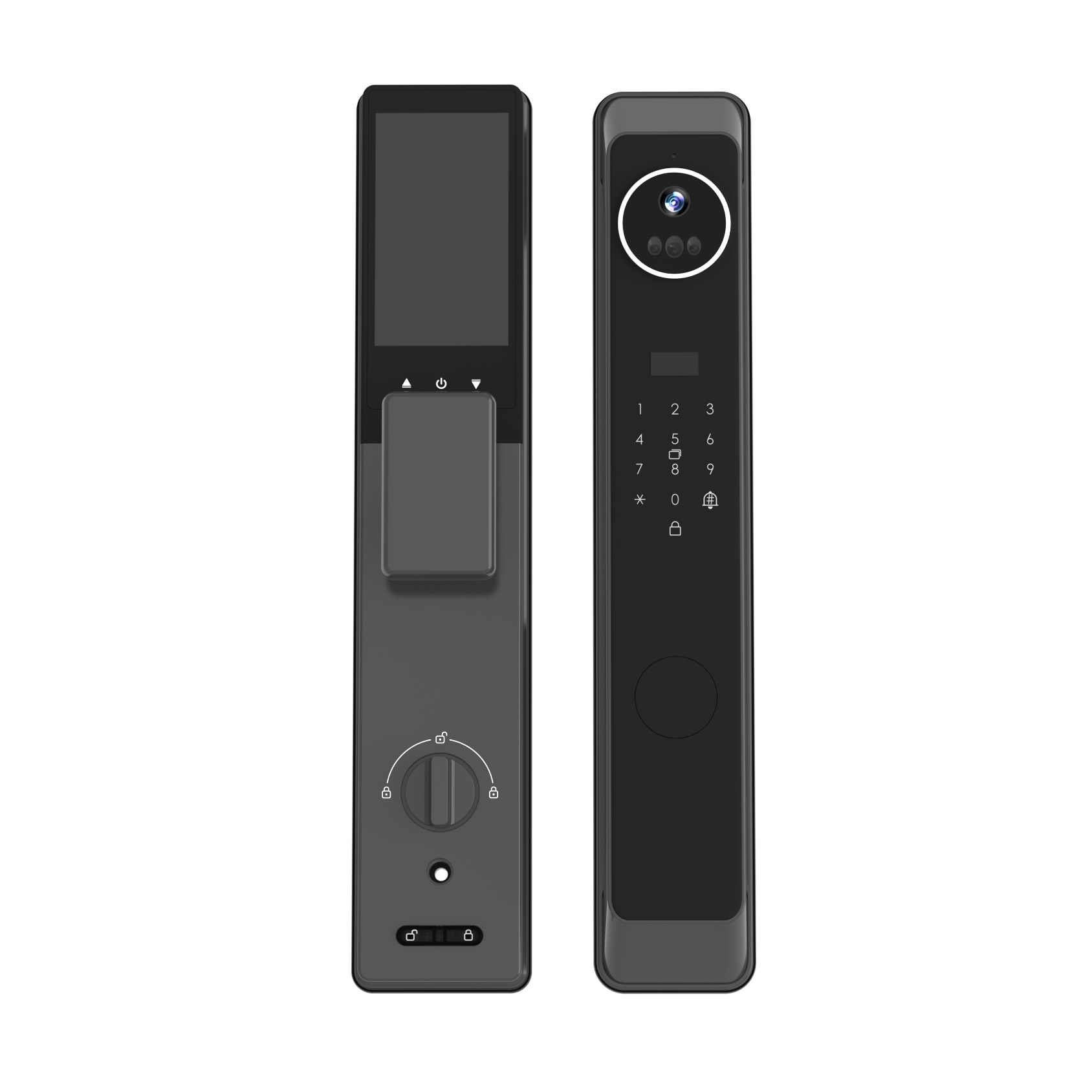






Navigating the world of smart home technologies can feel like learning a new language. As a manufacturer, I, Allen, often speak with business owners like my client, Mark, who are experts in procurement and sales but find the technical jargon behind a smart lock confusing. You hear terms like Z-Wave, Zigbee, Wi-Fi, and Bluetooth thrown around, but what do they actually mean for a door lock? Understanding these core technologies is the key to sourcing the right products for your customers. This article will break down these protocols in simple terms, comparing their strengths and weaknesses, so you can choose the best smart home solution with confidence and avoid the common pitfalls of this complex market.
What Are Smart Home Protocols and Why Do They Matter for a Smart Lock?
Think of smart home protocols as the invisible languages that smart devices use to talk to each other. Just like humans use different languages, devices use different protocols to communicate commands and share information. The protocol a smart lock uses determines how it connects to your phone and other smart home devices, how much power it consumes, its range, and its overall reliability. This is arguably the most important technical decision you'll make when choosing the right smart lock.
The four main protocols you'll encounter are Z-Wave, Zigbee, Wi-Fi, and Bluetooth. Each has a distinct set of rules and operates differently. A lock that uses Wi-Fi will connect directly to your home's internet router, while a lock using Z-Wave or Zigbee will typically communicate through a central smart home hub. Understanding these foundational differences is the first step in selecting a lock that will meet your customers' expectations for performance and reliability. It's the engine under the hood of the entire smart home experience.
Z-Wave: The Champion of Reliability and Interoperability?
Z-Wave is one of the most established and trusted protocols in the consumer smart home market. It's a low-power wireless technology designed specifically for home automation. One of its greatest strengths is that it z-wave operates on a low-frequency radio band (908.42 MHz in the US) that is different from the crowded 2.4 GHz band used by Wi-Fi and Bluetooth. This means a Z-Wave lock is far less likely to suffer from interference from your router, microwave, or cordless phones, leading to a more stable and reliable connection.
Another key advantage is the Z-Wave Alliance's strict certification process. Every Z-Wave device, regardless of the manufacturer, must meet a specific set of standards to get certified. This has played a significant role in helping Z-Wave achieve the highest levels of interoperability. In simple terms, if you buy a certified Z-Wave lock and a certified Z-Wave smart home hub, you can be very confident they will work together seamlessly. This mandatory certification ensures compatibility throughout the entire Z-Wave ecosystem. The Z-Wave network consists of a controller (the hub) and up to 232 devices, including the lock.

Zigbee: The Open-Standard and Speedy Alternative?
Zigbee is another popular low-power mesh networking protocol, similar in concept to Z-Wave. However, there are some key differences. Zigbee operates on the 2.4 GHz frequency, the same as Wi-Fi. While this allows for faster data speeds, it also means there's a higher potential for signal interference. The Zigbee Alliance (now the Connectivity Standards Alliance) has overseen its development since the Zigbee Alliance in 2003. Unlike Z-Wave, Zigbee is a more open standard, which has led to a wider variety of manufacturers producing Zigbee devices.
Since its inception, Zigbee has flourished, and with the introduction of standards like the Zigbee PRO standard and Zigbee 3.0, many of the earlier compatibility issues have been resolved. Zigbee 3.0 products are designed to be fully interoperable. A Zigbee network can theoretically support thousands of devices, making it highly scalable for a large smart home system. Many popular smart speakers from Amazon and Google have built-in Zigbee hubs, which can support Zigbee devices and make it easier to add a Zigbee smart lock to your setup without buying a separate hub.
Wi-Fi: The Simple but Power-Hungry Solution?
Wi-Fi is the protocol everyone knows. Its biggest advantage is simplicity. A wifi smart lock connects directly to your home's wireless router, the same way your phone or laptop does. This means you don't need to buy a separate smart home hub, which can be a major selling point for people new to the smart home world. The setup for a wifi lock is often as simple as downloading an app and entering your Wi-Fi password. For Mark, sourcing a wifi smart lock can be appealing because of this plug-and-play simplicity.
However, this convenience comes with a significant drawback: power consumption. Wi-Fi is a power-hungry technology. A battery-powered lock using Wi-Fi will need its batteries changed much more frequently than a Z-Wave or Zigbee lock—often every few months instead of a year or more. Furthermore, as you add more Wi-Fi devices to your network (smart plugs, smart light bulbs, etc.), you can create network congestion, potentially leading to slower speeds and less reliable performance for all your devices, including your smart lock.
What Is the Role of Bluetooth Low Energy in a Smart Lock?
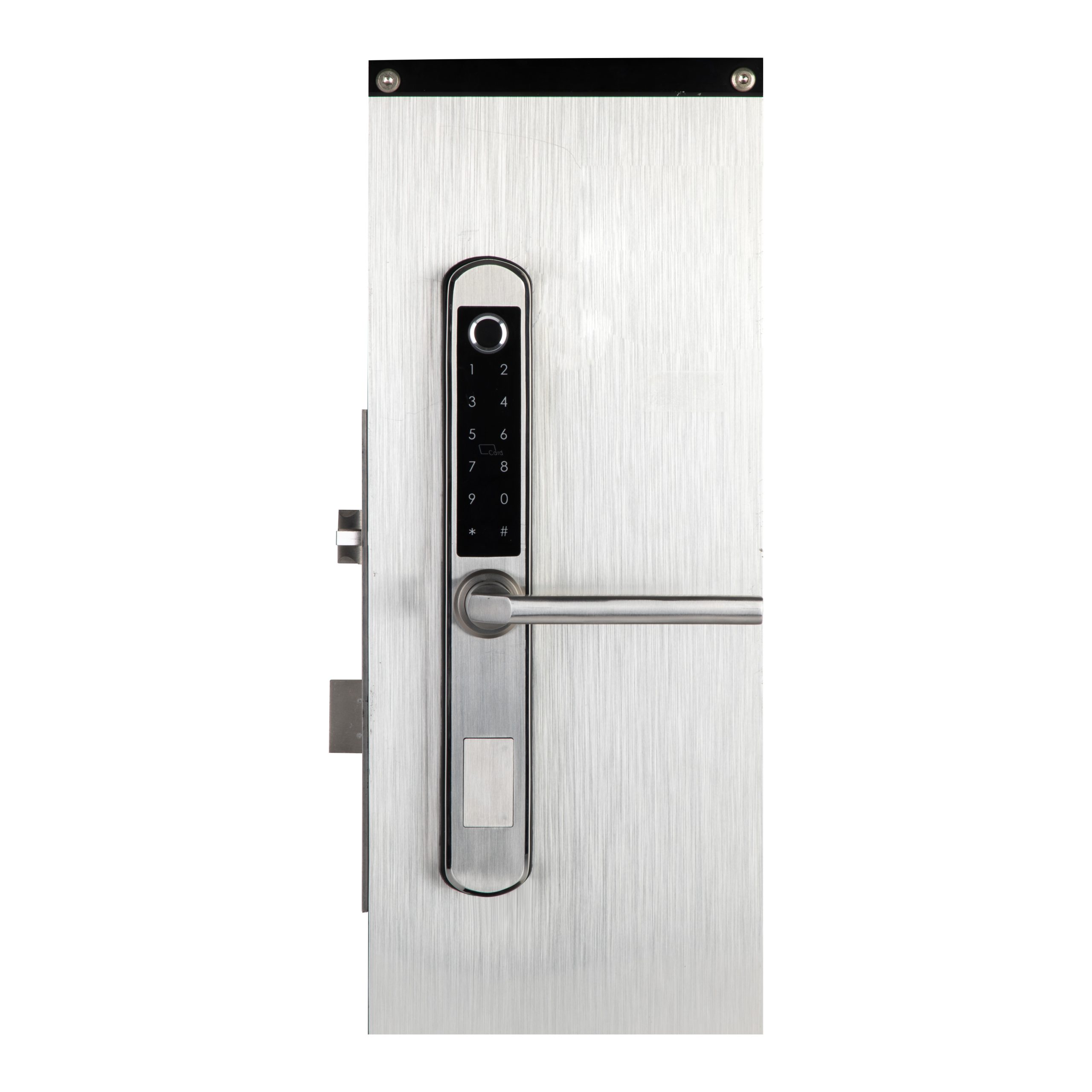
Bluetooth, and more specifically Bluetooth Low Energy (BLE), plays a unique role in the smart lock space. Unlike Z-Wave, Zigbee, or Wi-Fi, Bluetooth is not typically used for remote, internet-based control. Instead, it's a direct, point-to-point connection between your smartphone and your lock. This technology is what allows for "touch-to-open" functionality, where the lock senses your phone in close proximity and unlocks automatically.
Bluetooth locks are extremely power-efficient, and the connection is direct and secure. However, its range is limited to about 30-40 feet. This means you can't check the status of your lock or unlock it for a guest when you're at the office. Many smart locks, including those using Wi-Fi, Z-Wave, or Zigbee, also include Bluetooth as a secondary communication method. It's often used for the initial setup process or as a reliable backup to control the lock if your internet connection goes down. The wi-fi vs bluetooth debate for a lock is less of a competition and more about different use cases.
Do I Really Need a Hub for My Smart Door Locks?
This is a central question when choosing a smart home platform. A smart home hub (or bridge) acts as the central brain for your smart home network. It's a small device that plugs into your router and translates the signals from protocols like Z-Wave and Zigbee into something your router can understand, allowing you to control your devices from your phone. Devices that require a hub, like a Z-Wave smart lock, use it to connect to the internet for remote access.
The main benefit of a hub-based system is that it creates a dedicated, low-power network for your smart home devices. This reduces the load on your Wi-Fi network and leads to better battery life and reliability for devices like your smart lock. Wi-Fi smart locks don't need a hub, which simplifies setup. However, this convenience is traded for shorter battery life and potential network congestion. In recent years, some Amazon or Google smart speakers have started including built-in Z-Wave or Zigbee hubs, blurring the lines and making it easier to build a hub-based system.
Z-Wave vs. Zigbee: Which Mesh Network is Best for a Lock?
When comparing z-wave vs zigbee, both are excellent low-power mesh network technologies well-suited for a smart lock. In a mesh network, devices can relay signals to each other, which extends the range and improves the reliability of the entire network. If a lock is too far from the hub, its signal can hop through a closer smart device, like a smart plug, to reach its destination.
The main technical difference is the radio frequency. As mentioned, Z-Wave uses a lower frequency (908.42 MHz), which gives it a slight edge in range and makes it less susceptible to interference from common household devices. Zigbee operates at 2.4 GHz, which can be faster but also has to compete with your Wi-Fi network. Historically, Z-Wave's strict certification process has given it a reputation for being more reliably interoperable, though Zigbee 3.0 has largely closed that gap. For a single device like a lock, either Z-Wave or Zigbee is a solid choice, often depending on what other devices are in your smart home.
| Feature | Z-Wave | Zigbee |
|---|---|---|
| Frequency | 908.42 MHz (US) | 2.4 GHz (Global) |
| Interference | Very Low | Potential from Wi-Fi |
| Interoperability | Very High (Mandatory Certification) | High (with Zigbee 3.0) |
| Power Use | Very Low | Very Low |
| Hub Required | Yes | Yes (usually) |
| Data Rate | Slower | Faster |
Zigbee vs. Wi-Fi: Is a Hub-Free Lock a Better Choice?
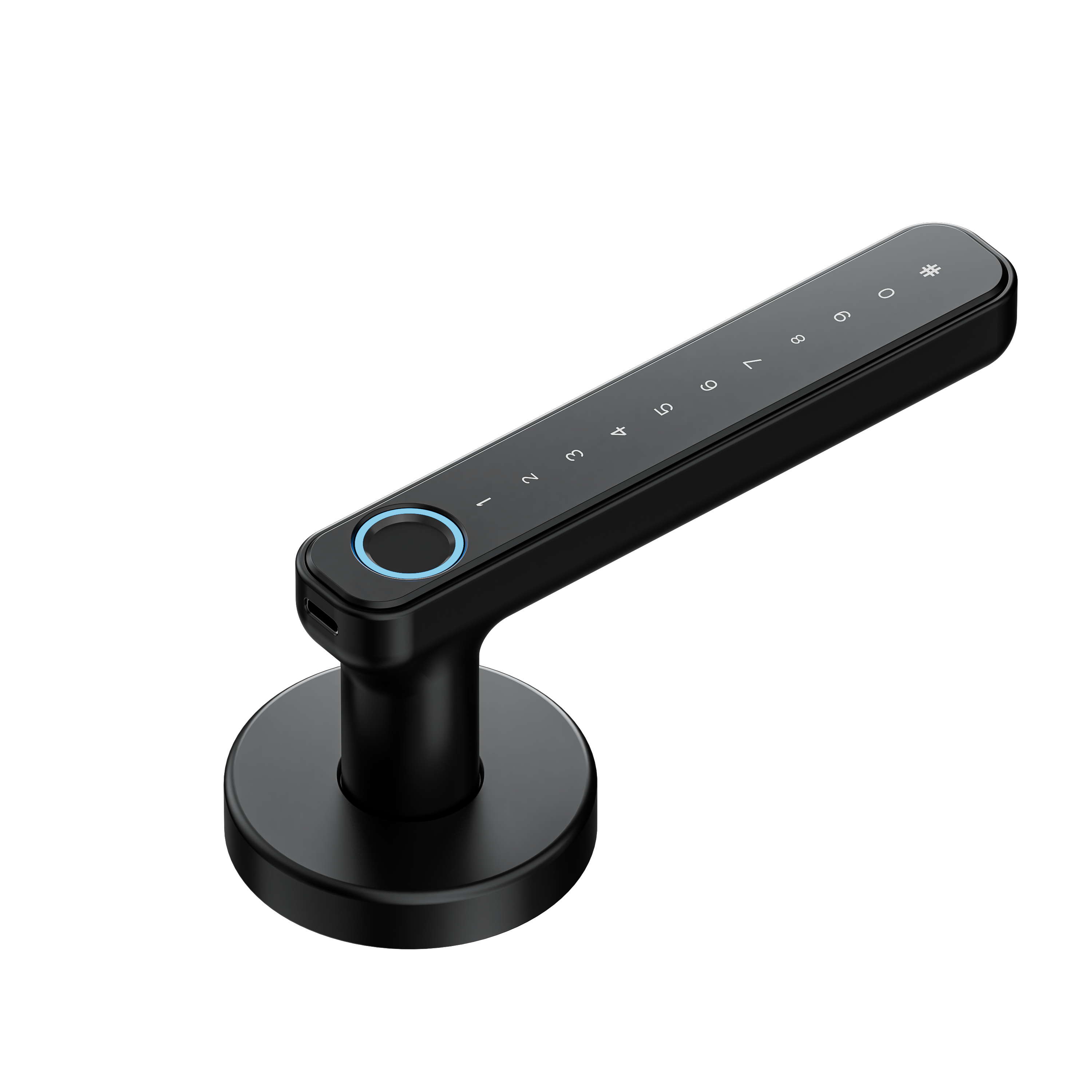
The zigbee vs wi-fi debate often boils down to simplicity versus system robustness. A Wi-Fi lock is the epitome of simplicity. There's no hub to buy or set up; wifi smart locks connect directly to the router you already own. This is a very attractive proposition for consumers who just want one smart device and aren't planning to build out a large smart home system.
However, for a home with multiple types of smart home devices, a Zigbee lock offers compelling advantages. Because it runs on a separate network via a hub, it doesn't slow down your Wi-Fi, which is important if you stream movies, work from home, or have many other connected devices. The low-power nature of Zigbee also means the batteries in your lock can last for a year or longer, compared to just a few months for a Wi-Fi lock. Ultimately, if your customer values maximum convenience for a single lock, Wi-Fi is a great choice. If they are building a comprehensive smart home, zigbee and z-wave are technically superior solutions.
How Does Matter Change the Game for Smart Home Technologies?
For years, the z-wave vs zigbee vs wifi battle has created confusion for consumers and procurement officers. Matter is a new smart home standard with the goal of ending this confusion. Backed by major tech companies like Apple, Google, Amazon, and the Zigbee Alliance, Matter aims to be a universal language that all smart home devices can speak. It runs over Wi-Fi and another new protocol called Thread (which is similar to Zigbee), and it uses Bluetooth for easy setup.
The promise of Matter is that if you buy a Matter-certified smart lock and a Matter-certified smart speaker, they will work together seamlessly, regardless of the brand. This simplifies things tremendously. While Matter is still relatively new, it's gaining momentum quickly. It doesn't make existing technologies like Z-Wave obsolete (many Z-Wave hubs will be updated to bridge with Matter), but it does signal a future where interoperability is the norm, not the exception. When sourcing, looking for Matter certification is a good way to future-proof your product offerings.

How to Choose the Right Smart Lock Protocol for Your Business Needs?
So, how do you choose the best smart lock protocol? For a business owner like Mark, the decision should be guided by the target customer. Here’s a simple framework to help you decide what to source:
- For the Tech Novice (Simplicity is Key): The customer wants their first
smart deviceand values an easy, out-of-the-box experience.- Best Choice:
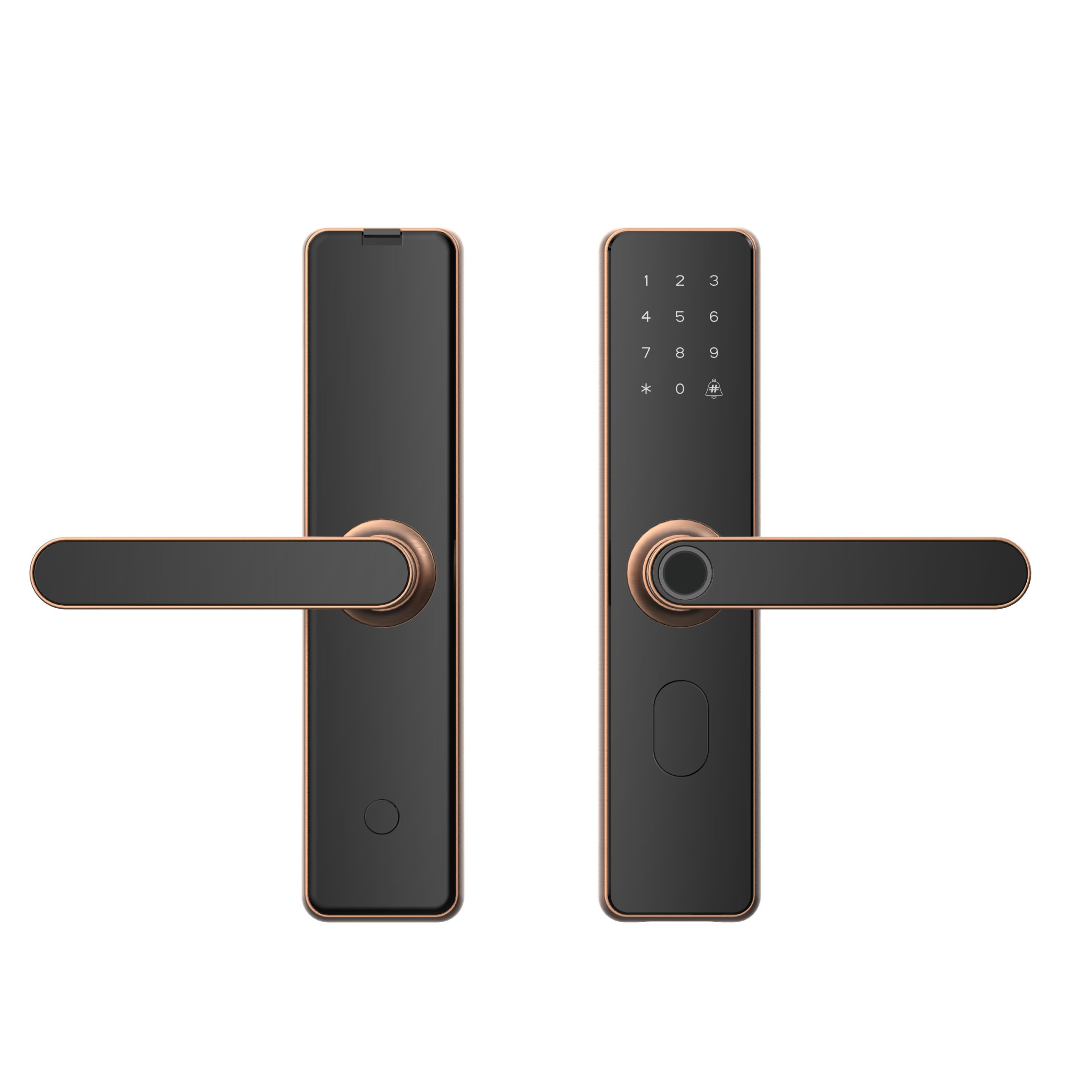
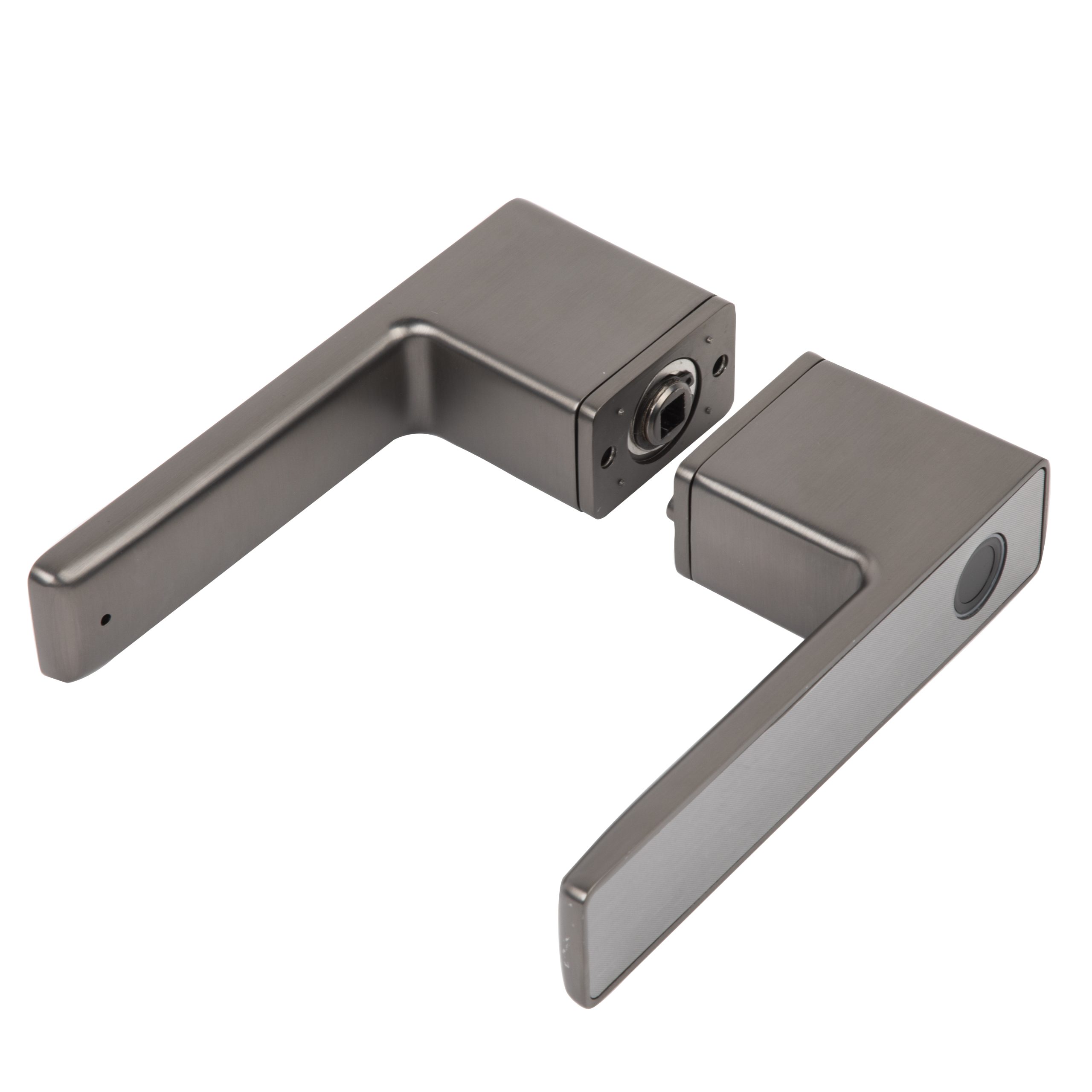
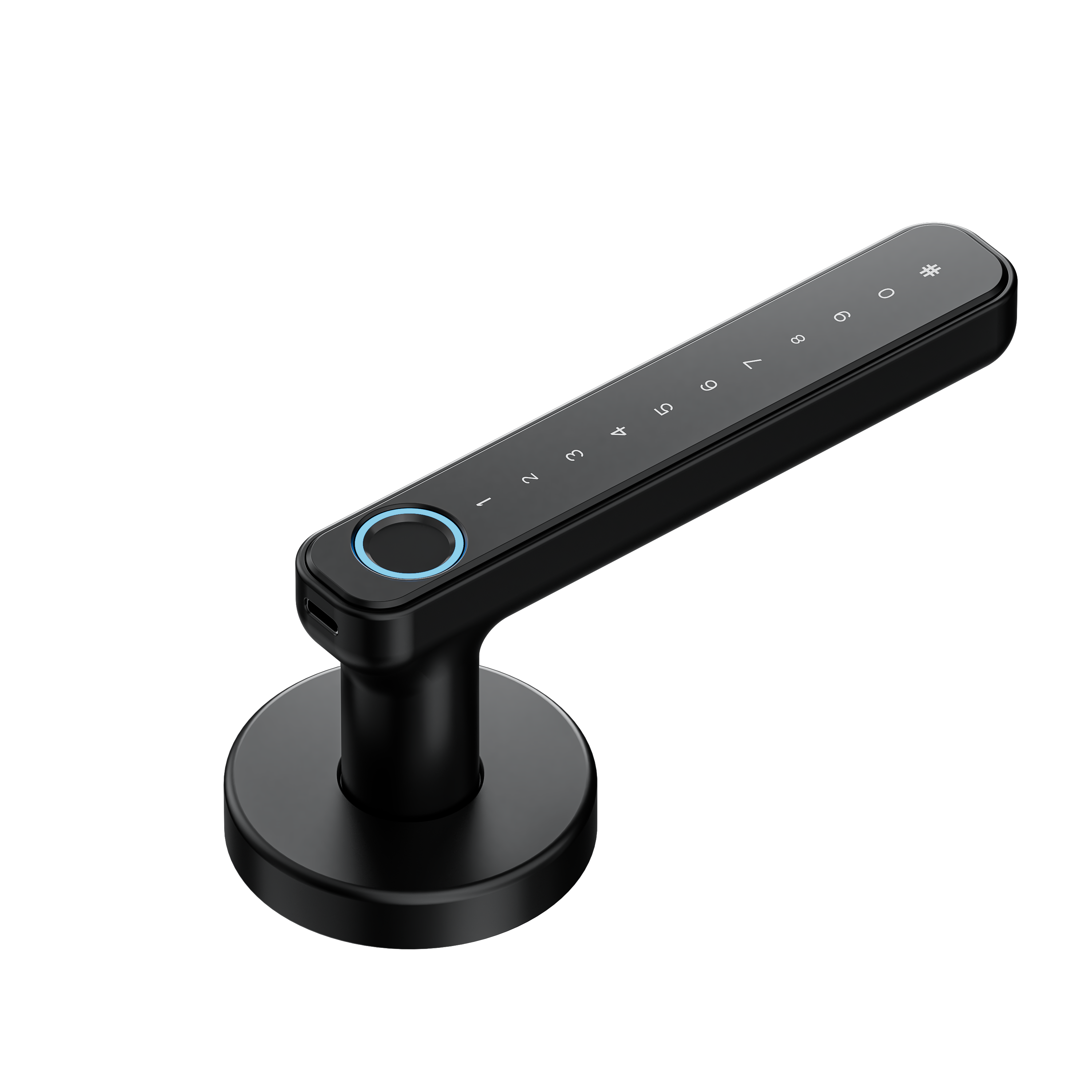
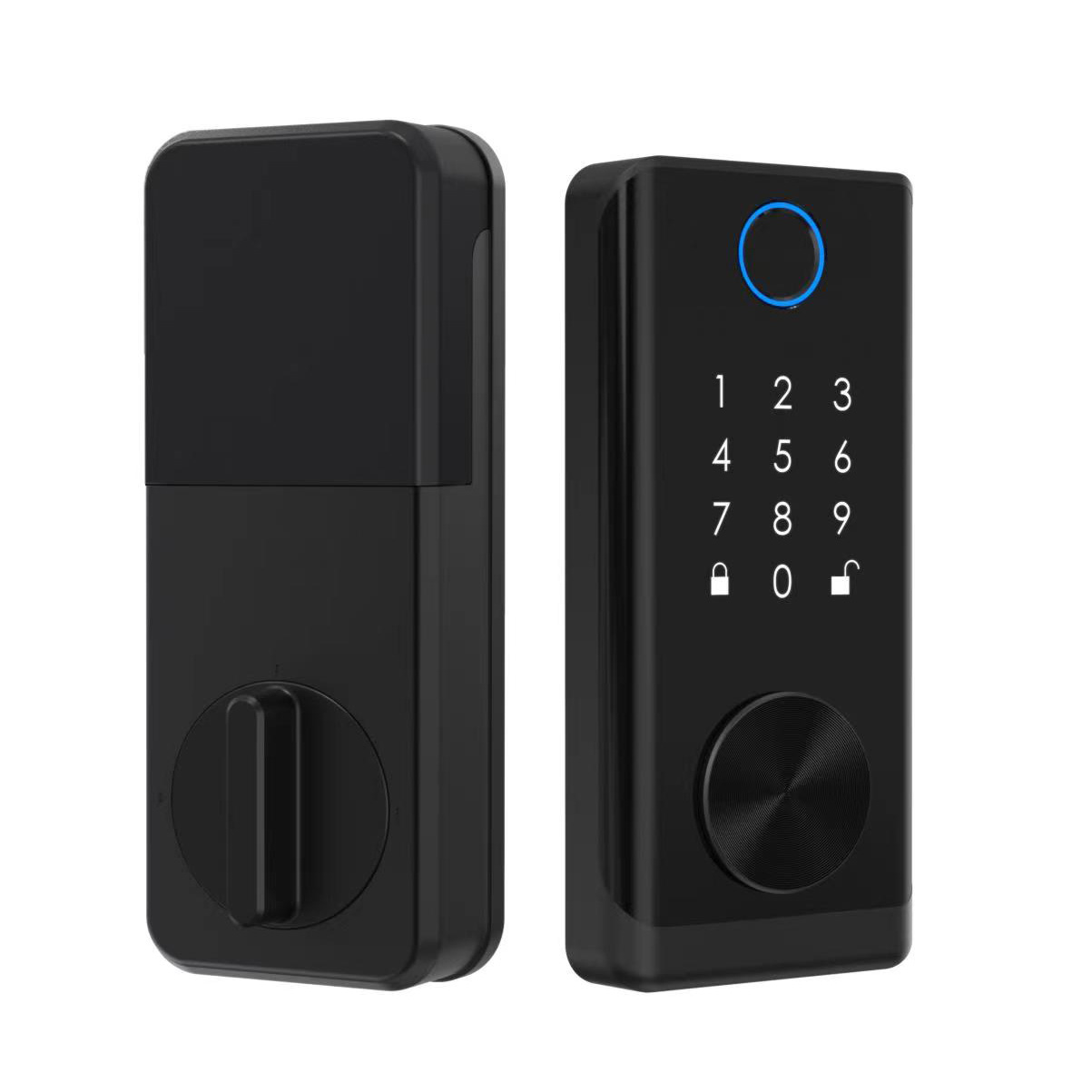
Wi-Fi. The lack of ahubis the biggest selling point.Wi-Fismart locks, like this advanced digital fingerprint door lock, offer incredible features with a direct connection.
- Best Choice:
- For the Aspiring Smart Home Builder (Balanced System): The customer plans to add more devices over time, like
smart plugsand lights, and values reliability.- Best Choice:
Zigbee. It's a great entry into ahub-based system, especially since many Amazon Echo devices have a built-inZigbeehub. This provides a scalable and robust platform.Zigbee smart locksoffer a great balance.
- Best Choice:
- For the Serious Home Automator (Maximum Reliability): The customer is a
smart homeenthusiast who wants the most stable, interference-free network possible and plans to have dozens of devices.- Best Choice:
Z-Wave. Its dedicated frequency and strict certification make it the gold standard for reliability in a complexsmart homeenvironment. A high-qualityz-wave lockis an investment in stability.
- Best Choice:
Ultimately, there is no single "best" protocol. Each one—z-wave or zigbee, Wi-Fi or Bluetooth—is a tool designed for a specific job. Offering a range of smart home lock options across these platforms will allow you to meet the needs of a diverse customer base, from the beginner to the expert.
Key Takeaways on Smart Lock Protocols
Wi-Fiis for Simplicity: Choose awifilockfor customers who want a single, easy-to-installsmart lockwithout the need for a separatehub. Be mindful of the shorter battery life.Z-Waveis for Reliability: This is the best choice for serioussmart homeenthusiasts who demand maximum stability and interoperability, thanks to its dedicated frequency and strict certification.Zigbeeis for Scalability: A great all-around choice that balances speed, scalability, and energy efficiency. It's perfect for users building asmart homewith a variety of devices, especially if they own a compatible Amazon Echo.Bluetoothis for Proximity:Bluetoothis used for direct, short-range communication. It enables features like auto-unlock but doesn't provide remote access on its own.- The Future is Unified: Keep an eye on the new Matter standard, which aims to make all these protocols work together seamlessly, simplifying the
smart homefor everyone.
Post time: 10 月-27-2025